You don't have to build your customer list by hand. Anyone who submits a quote request, or gets a private event created for them, appears in Customers automatically.
The list
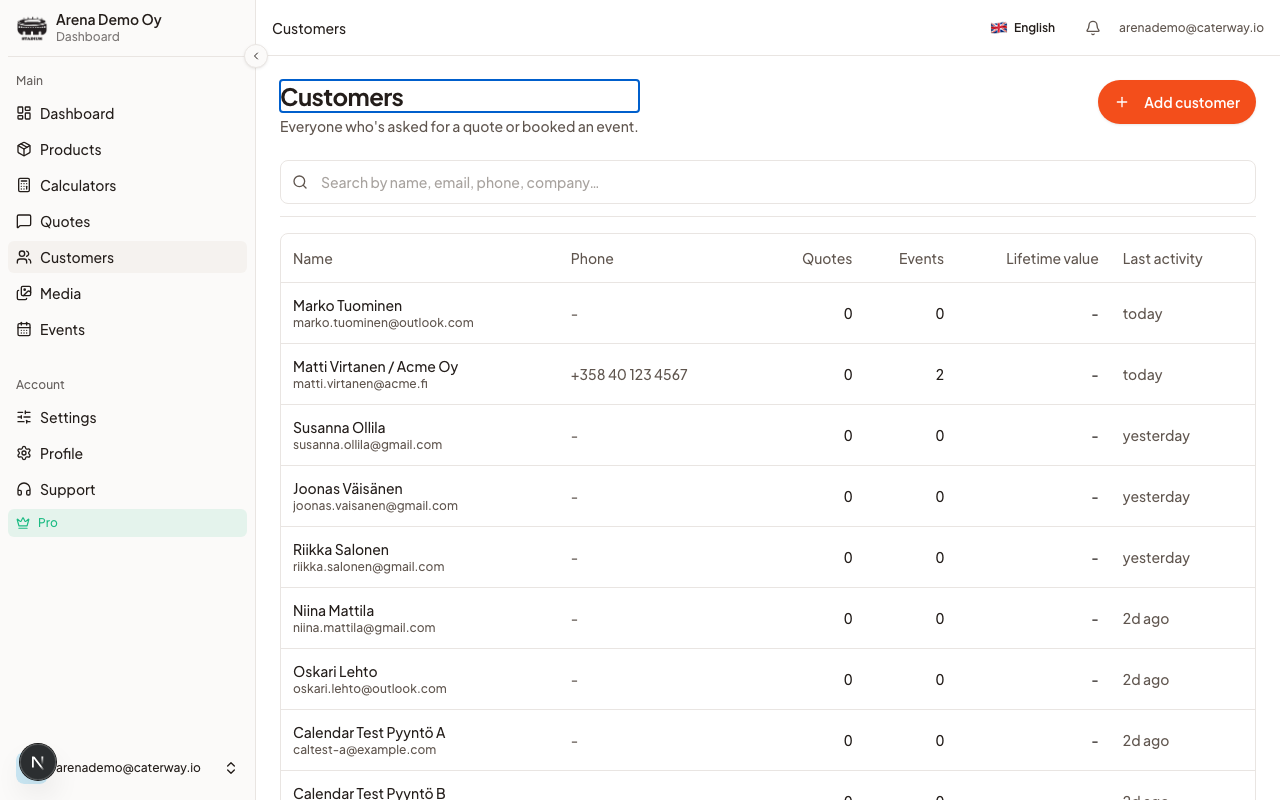
Customers shows every customer with their quote count, event count, lifetime value, and last activity, sorted by whoever's been active most recently. Search by name, email, phone, or company, or filter by Labels to narrow it down.Click Add customer to create one manually, useful for a repeat client you want to track before their first quote comes in through the calculator.
The detail view
Open any customer and you'll find:
- Timeline, every quote and event, newest first
- Quotes, every quote request tied to this customer, with status and estimated total
- Events, every private event tied to this customer
- Notes, a free-text field only you see, click Save after editing
From the detail view you can also start a New quote for them directly, or click Email to open a message to their address.
Was this article helpful?