Everything your food business needs
in one powerful tool
From instant quotes to beautiful menus, see every feature that helps you win more clients and save hours every week.
CaterWay is quote software for caterers, restaurants and event venues, built in Helsinki with data stored in the EU. The caterer adds a calculator to their own website, where customers pick dishes and guest count, see the price straight away and send a request the caterer approves. The free plan has no time limit and includes one calculator with up to 3 categories of 5 products each, in one language of your choice. Pro removes these limits and lets you offer more of our 12 languages, for €49 a month or €39 a month billed yearly, excl. VAT.


Your menu in, a working calculator out
Start with the menu you already have. Upload it as a PDF, snap photos of a printed one, or paste plain text. The AI reads the dishes, prices, units and dietary markings, then groups everything into categories. You get a review list, not a mystery: check the flagged rows, accept the rest in bulk, and your first quote calculator is ready to share.
- PDF, photos or pasted text
- Prices, units and dietary markings detected
- Review once, accept in bulk
- From upload to working calculator in minutes
Your clients get answers instantly
Visitors pick dishes, set their guest count, and see a real-time estimate, all without a single email. You review and respond when ready.
- Real-time price calculation
- No back-and-forth emails
- Automatic guest count scaling
- Suggested add-ons that offer the wine with the steak (Pro)
Three styles
One calculator, three looks
Pick the style that fits your business. Every feature works in each one, and you switch the look with a single click.


The familiar, approachable card wizard that fits any menu.
Bold photo cards with a floating live summary.
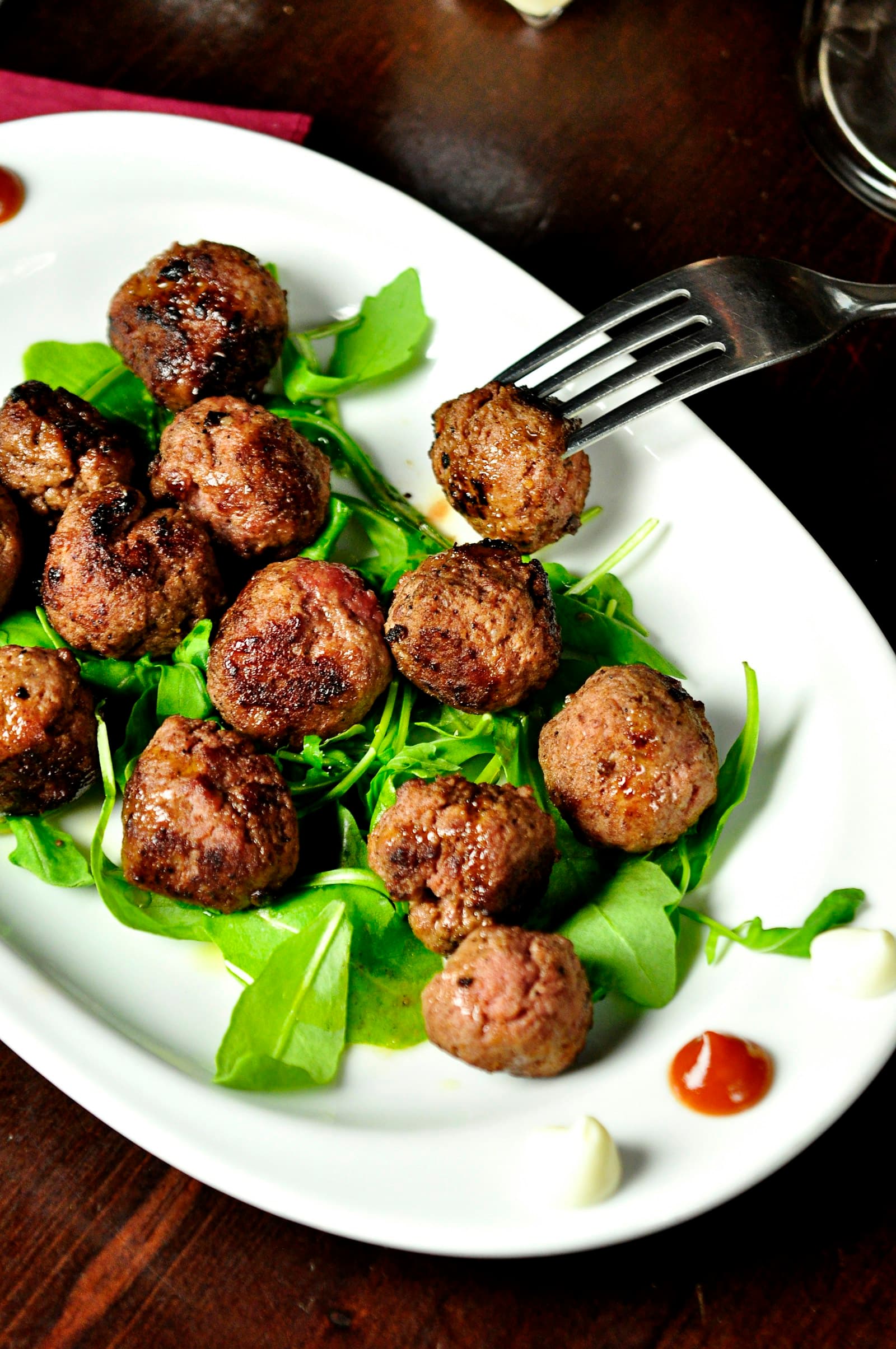
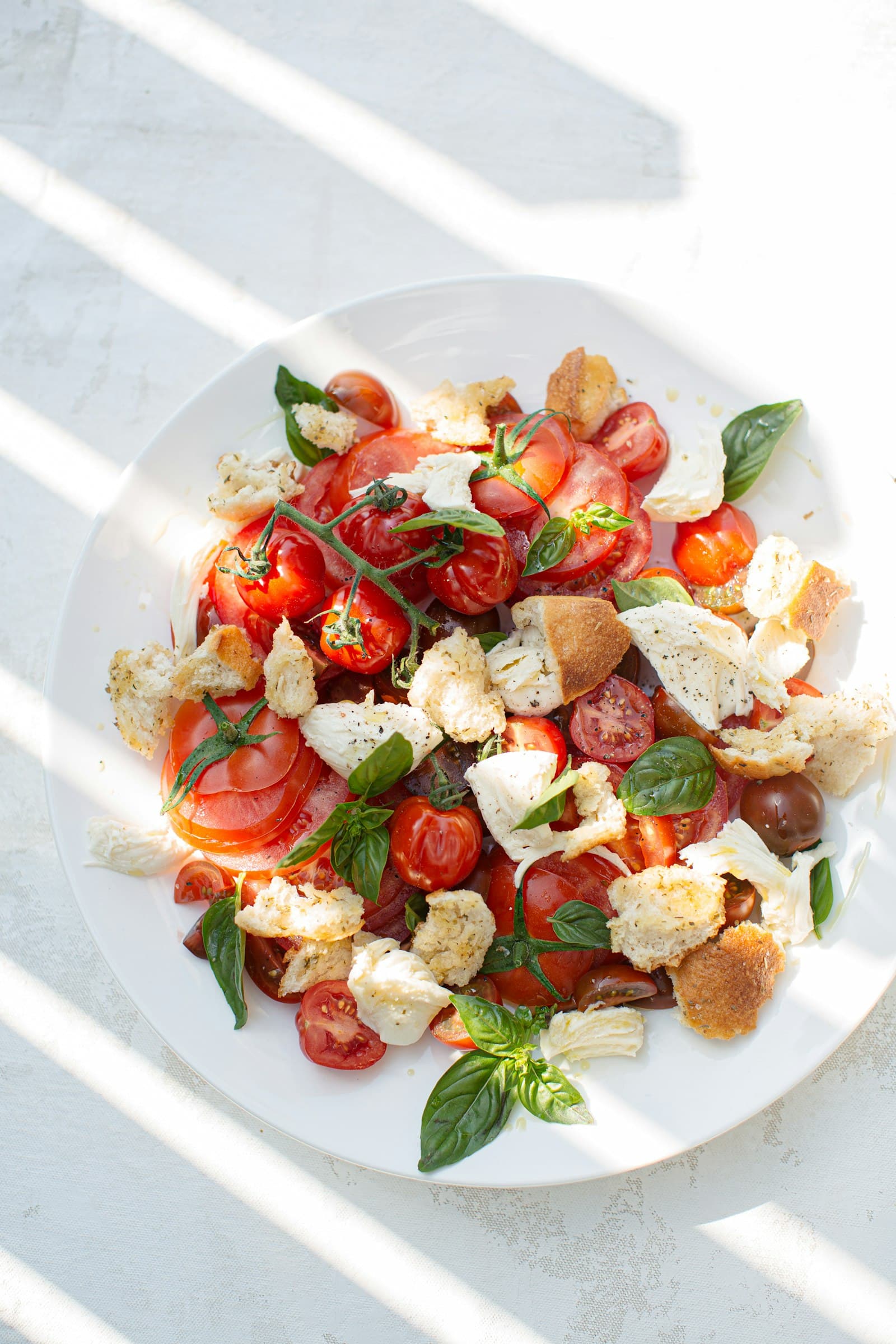
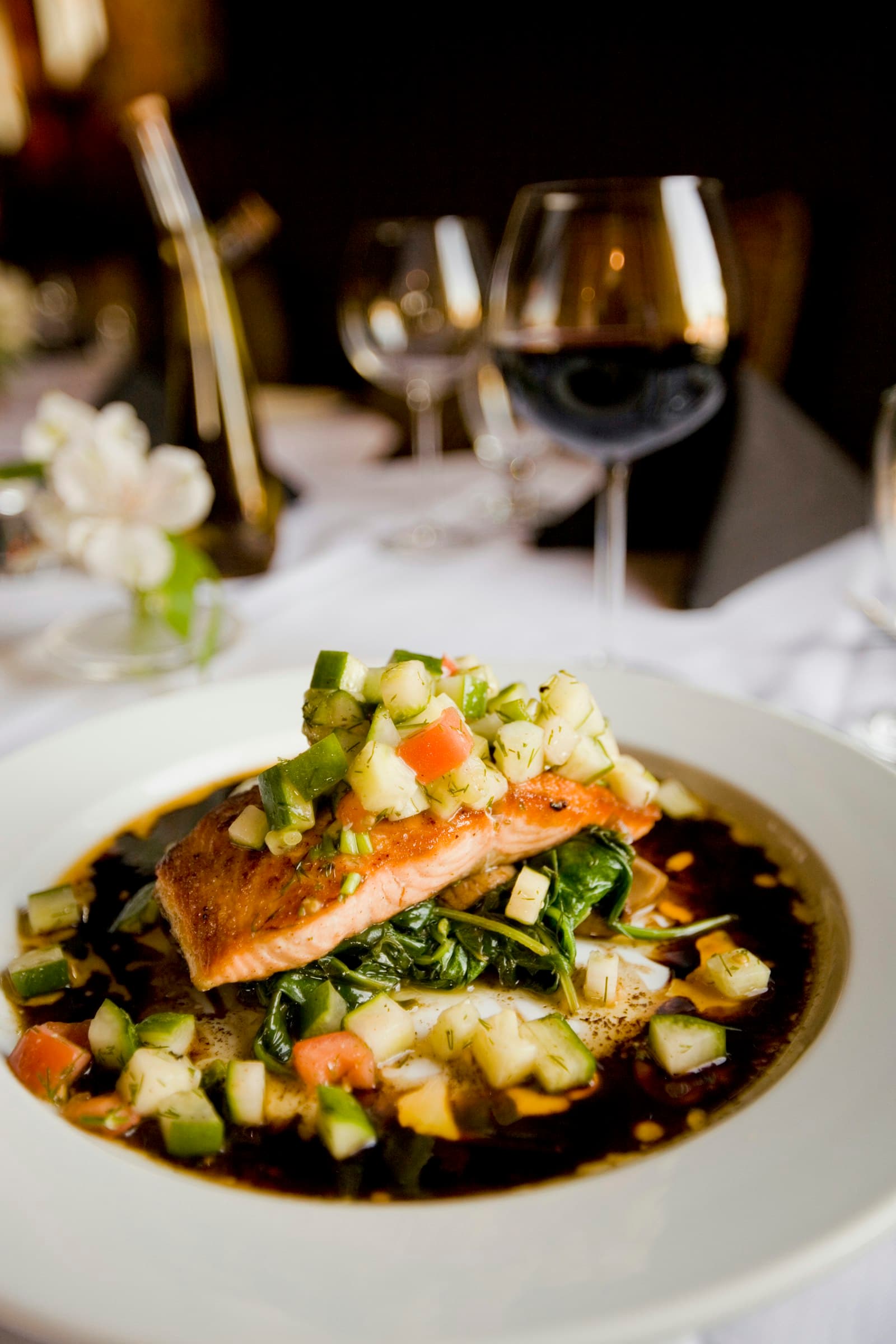
Crispy chicken bitesi3,50 €Caprese salad4,00 €Grilled salmon18,50 €Berry dessert6,00 €The feel of a printed menu, all on one elegant sheet.
The familiar, approachable card wizard that fits any menu.
Bold photo cards with a floating live summary.
Crispy chicken bitesi3,50 €Caprese salad4,00 €Grilled salmon18,50 €Berry dessert6,00 €The feel of a printed menu, all on one elegant sheet.
Manage, reply, and confirm quotes
Review incoming quote requests, adjust pricing, send replies, and confirm orders, all from one place. Back-and-forth messaging keeps everything in context.
- Confirm or edit quotes with one click
- Built-in messaging with customers
- Track status: new, replied, confirmed
- Send modified quotes back and forth
Emma Wilson
Corporate Lunch, 45 guests
Can we add a vegetarian option?
Of course! I've added a veggie platter and updated the quote.
Type your reply...

Build stunning menus in minutes
Upload dishes with beautiful photos, write descriptions, set per-person pricing, and organize everything into categories.
Automatic volume discounts
Set discount tiers based on guest count. More guests means a better deal, calculated automatically for every quote.
- 10–24full price
- 25–49−5 %
- 50–99−10 %
- 100+−15 %
You set the tiers. Every quote applies them on its own, and the customer sees the better price straight away.
Speak your customers' language
Your calculator and every customer-facing page speak the language your client reads. Twelve packs ship ready to use.
- Suomi
- English
- Svenska
- Norsk
- Dansk
- Deutsch
- Nederlands
- Français
- Español
- Italiano
- Português
- Polski
- Your own language
Every word on the calculator is editable, so you can add any language you want, or reword a ready-made pack in your own voice.
Every lead, every detail, one place
See every quote request in one dashboard. Track popular dishes, spot trends, and keep every lead in one place.
Quote request inbox
Popular products and trends
Export data anytime
Suite catering for arenas and venues
Create events, assign suites and spaces, and let clients pre-order their catering menus. Perfect for sports arenas, conference centers, and event venues.
- Create and manage arena events
- Assign suites, VIP boxes, and meeting rooms
- Clients self-order per event and space
- Automatic order summaries per event
Tell customers where you go, before they ask
List the areas you serve by name and set a delivery fee for each. Your service area shows on your public page and calculator, the customer picks their area from your list instead of guessing with postcodes, and requests from outside your area arrive clearly marked, so nothing gets confirmed by accident.
- Named service areas that work anywhere in the world
- A fee per area, free over a limit you choose
- Pickup, delivery, or served at your own venue
Free delivery over 400 €
Rent out your spaces
ProIf you have private rooms, halls or suites, make them bookable. Give each space its own price, photos and capacity, and let the customer pick the space first and the menu second. A space is only held when you confirm the order, and overlapping requests are flagged, so a double booking never slips through.
- Price, photos and capacity per space
- Space first, menu second, one request
- Held only when you confirm, clashes flagged
Cabinet Aino
12 guests · 150 €
Hall Väinö
80 guests · 400 €
Rent out your tableware
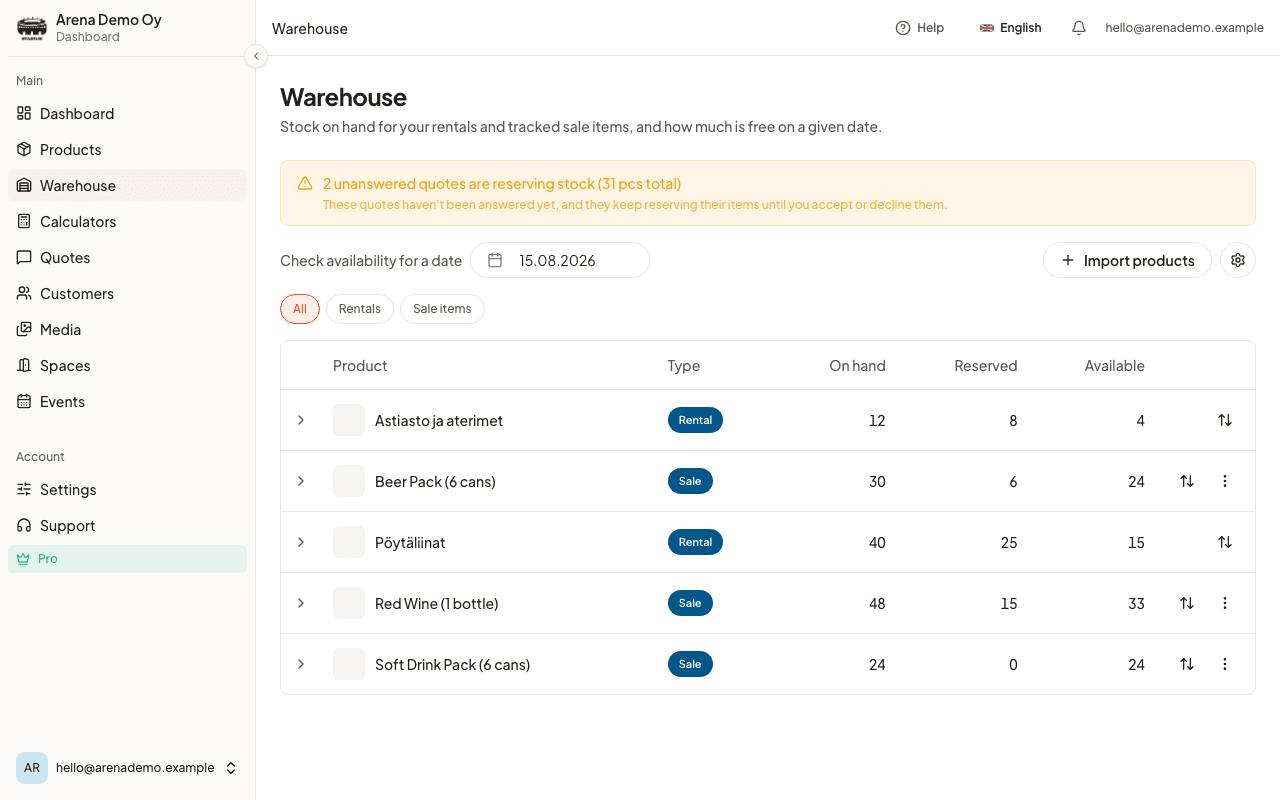
A customer picking up the food usually needs plates and glasses too, so offer them at the same time. Tableware rides on the same quote as the menu, you price each item however you like, and you say whether a thing is counted per guest, per order, or by the customer. The Warehouse keeps the count honest: it knows what is already booked on a given date and how many days the glasses need before they are washed and back, so two Saturdays never get promised the same 120. Rental lines get their own returned-items list on quotes and prep sheets.
Warehouse
ProKnow how many plates, glasses and rentable items you actually have left on any date, before you promise them twice. Reservations are derived automatically from your accepted orders, and you can choose whether a sent, unanswered quote should hold stock too.
- Reservations are derived automatically from accepted orders
- Optionally hold stock for quotes you have sent but no one has answered yet
- Turnaround days between rentals, so items just back from a wedding are not offered again before they are washed
- A one-time import sets your opening stock counts for everything you already own
Prep sheet, shopping list and rental lists
Every order on an event, aggregated into one kitchen-ready sheet: ingredients scaled to the guest count, plus separate picking and return lists for anything you are renting out.
- Ingredients pulled from each product's recipe and grouped by category
- A rental picking list for what to load, and a return list for what comes back
- Print it, export a PDF, or copy it as plain text
Ingredients
Rentals to load
Customer accepts, declines or signs, no phone tag
The quote link lets your customer review everything, tick acceptance of your terms and sign with a typed name, no account needed. Both of you get a signed PDF, and the acceptance is recorded with a timestamp, IP address and user agent.
- Accept or decline straight from the emailed link
- Electronic signature with a typed name, next to your terms and CaterWay's
- A signed PDF for both sides, downloadable or emailed on request
Signed electronically. Timestamp, IP address and user agent recorded.
Allergen sheet
A per-guest allergen and diet PDF generated straight from the quote, so nothing gets missed between the kitchen and the table.
Automatic reminders
Quote follow-up, event prep reminder, and a thank-you after the event, each toggled separately in Settings.
Adults and children pricing
Split the guest count into adults and children, each with its own per-person price on the calculator.
Calendar feed and add to calendar
Subscribe to your events from Google, Apple or Outlook, or add a single event with an .ics file or a Google Calendar link.
Customers, with GDPR removal
Every customer's order history and tags in one list, and a one-click tool to remove their personal data on request.
Anonymize & delete removes name, email, phone and address, permanently
Sell the extras that go with it
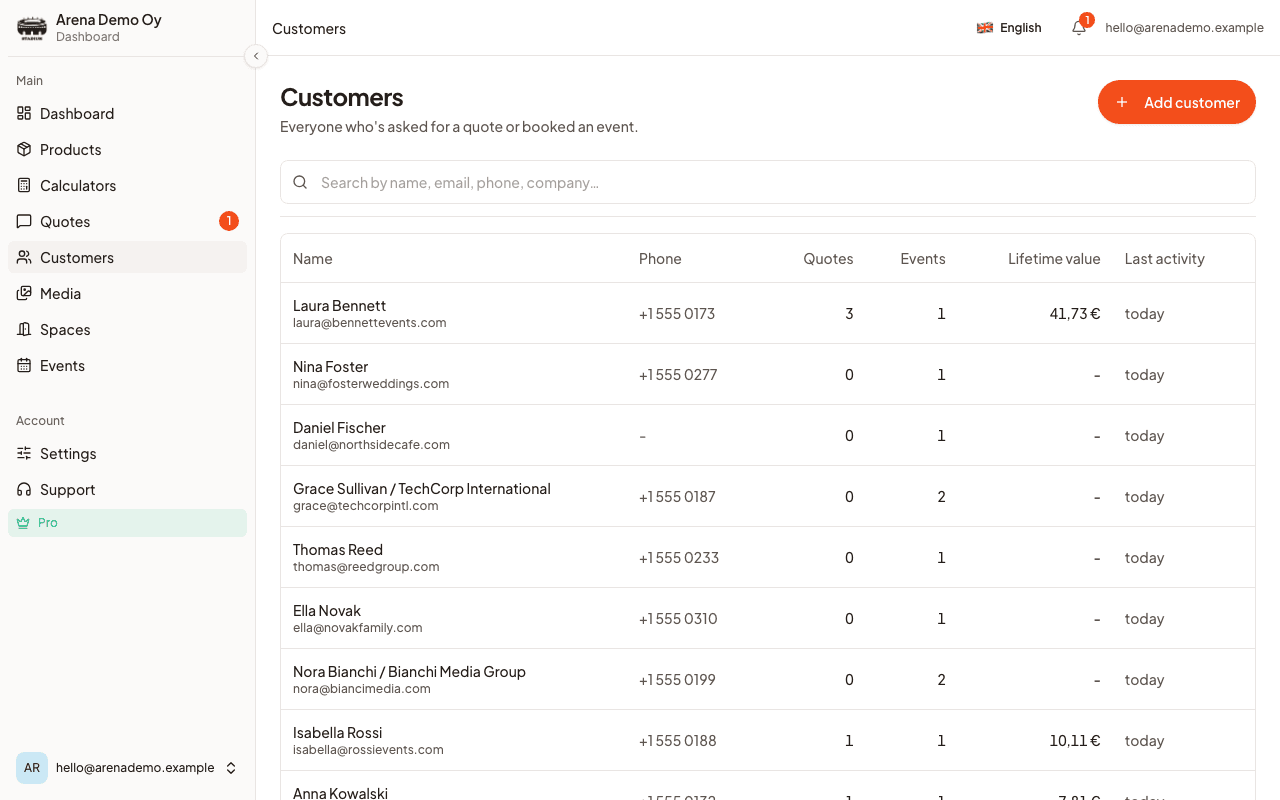
ProWhen a customer picks a dish, the calculator offers what pairs with it, wine with the steak, coffee with the cake, right at the moment they are deciding. You set the pairings once, and the calculator does the asking, so the average order quietly grows.
- Pair any product with the add-ons that suit it
- One popup at the right step, never a nag
- Added items ride the same quote, emails and prep sheet
Goes well with your steak
Live on your website in under 10 minutes
Copy one snippet, paste it into your website. Works with WordPress, Wix, Squarespace, or any custom site.
Rather not touch code? Send us your site and we'll put the calculator in place for you.
And every detail is yours
Set your own fonts, colors, card styles and photos, right down to how big the pictures show up. Tune it until the calculator looks like it was part of your site all along.
- Fonts
- Colors
- Photos and image size
- Card styles, corners and shadows
- Your logo


Send from your own domain
Quotes and confirmations go out from you@yourcompany.com instead of a shared address, fully branded, with better deliverability.
- Your own address, not ours
- Better deliverability with DKIM & SPF
- DNS setup in minutes
- Falls back to the shared address automatically
quotes@caterway.io
sales@yourcompany.com
The CaterWay difference
Without CaterWay
- Hours of email back-and-forth
- Manual price calculations
- Lost leads and forgotten quotes
- Generic, unprofessional forms
With CaterWay
- Instant automated quotes
- Prices calculated from your own menu
- Every lead tracked automatically
- Beautiful, branded experience
Faster responses
Less email
More quotes
Easy setup